Your dashboard says 98% delivered. Your reply rate says something else entirely. If those two numbers don’t add up, you’ve run into the most misunderstood distinction in email: delivery and deliverability aren’t the same thing.
They sound interchangeable, and plenty of tools treat them that way. But they measure two different events, and confusing them is one of the fastest ways to misread a cold campaign.
What Delivery Means
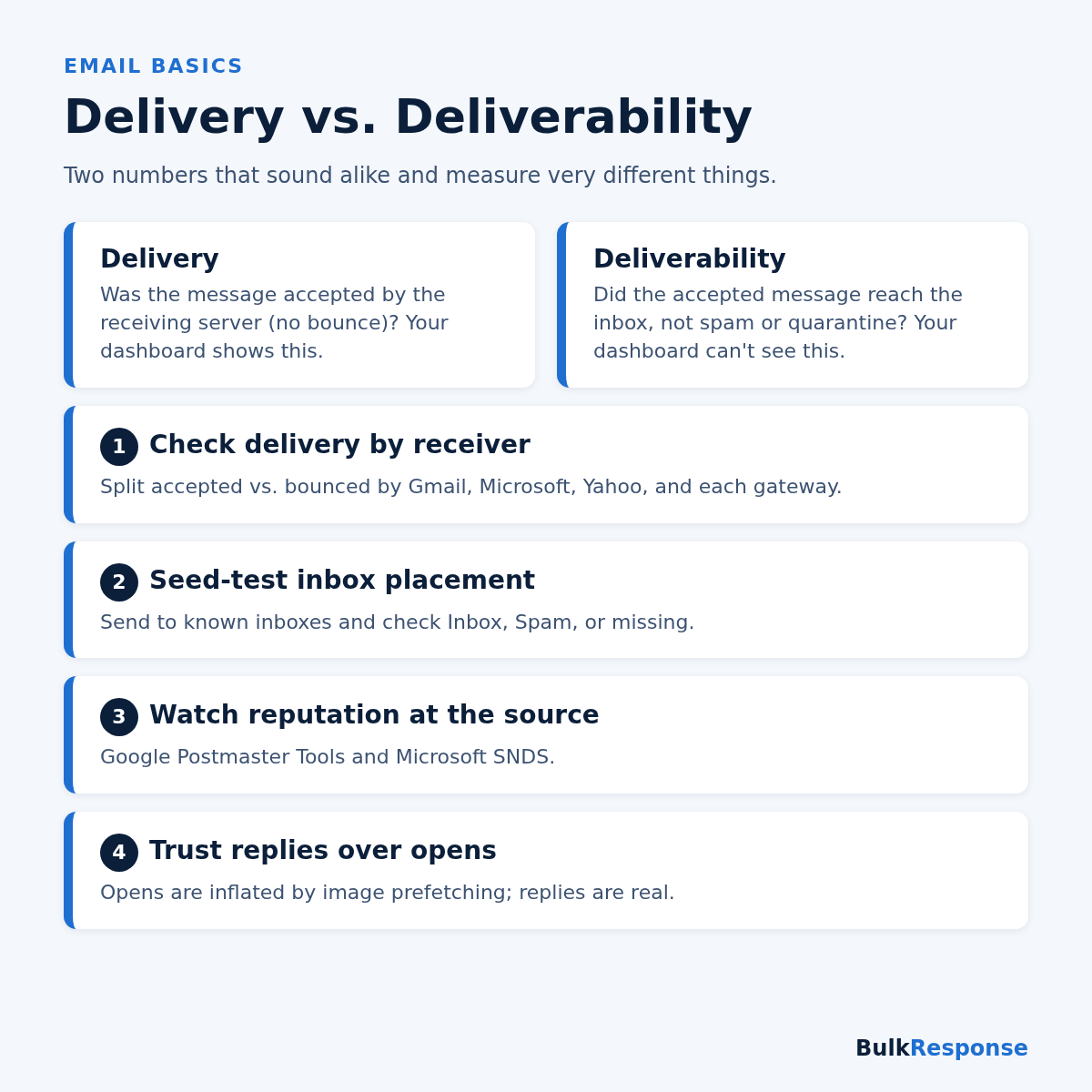
Delivery answers one question: did the receiving mail server accept your message? When your server hands off an email and gets a 250 OK response, the message counts as delivered. If the server rejects it, you get a bounce instead.
Your delivery rate is simply the share of messages that didn’t bounce. It’s useful, because a rising bounce rate is an early warning of list-quality or reputation trouble. But it stops at the front door.
What Deliverability Means
Deliverability, also called inbox placement, answers the question you actually care about: once accepted, where did the message end up? The primary inbox, the Promotions tab, the spam folder, or a corporate quarantine the recipient never checks?
No sending dashboard can see this directly. After a server says “250 OK,” everything that happens next is invisible to you.
Why the Gap Matters
A campaign can post a near-perfect delivery rate while most of its mail sits in spam. Nearly every message was accepted, so the dashboard looks healthy, and the sender never learns why the replies didn’t come.
The gap is even wider at large companies. As we explained in why your cold emails bounce at enterprise companies, security gateways often accept a message at the SMTP level and only then quarantine it. Your logs record a delivery; the recipient never sees a thing.
The two numbers fail for different reasons
- Delivery problems usually come from invalid addresses, blocklisted IPs, failed authentication, or hard policy rejections.
- Deliverability problems usually come from weak domain or IP reputation, low engagement, bulk-looking content, or links to domains with a poor reputation.
Fixing one doesn’t fix the other. Cleaning your list will cut bounces, but it won’t pull a message out of the spam folder if your sending domain has a reputation problem.
How to Measure Deliverability
Since you can’t read inbox placement off a dashboard, you have to measure it indirectly:
- Break delivery down by receiver. A blended rate hides failures. Group results by Gmail, Microsoft, Yahoo, and each corporate gateway.
- Run seed tests. Send your real campaign to inboxes you control and check where it lands. Our guide on how to seed-test Gmail, Yahoo, and Outlook walks through it.
- Watch reputation at the source. Google’s sender guidelines point senders to Postmaster Tools for spam rate and reputation, and Microsoft offers Smart Network Data Services (SNDS) for Outlook.com.
- Trust replies more than opens. Google notes that it doesn’t track open rates and that low open rates aren’t necessarily an accurate indicator of deliverability. Replies are a far more honest signal.
Quick Checklist
- Track bounce rate as your delivery metric, and investigate any sudden rise.
- Segment results by receiving mail system, never just one blended number.
- Seed-test before every major send and after every DNS or routing change.
- Connect Google Postmaster Tools and Microsoft SNDS.
- Judge campaigns by replies, not open rates.
- Check that SPF, DKIM, and DMARC pass and align on every sending domain.
The Bottom Line
Delivery tells you the door opened. Deliverability tells you whether anyone saw what you sent. Cold senders who only watch the first number will keep wondering why good-looking campaigns go quiet. For the full playbook on improving inbox placement, read our complete guide to cold email deliverability in 2026.
BulkResponse has helped senders reach the inbox since 2008, with infrastructure built for cold and bulk email. If you want delivery and deliverability working together, see our plans and pricing.